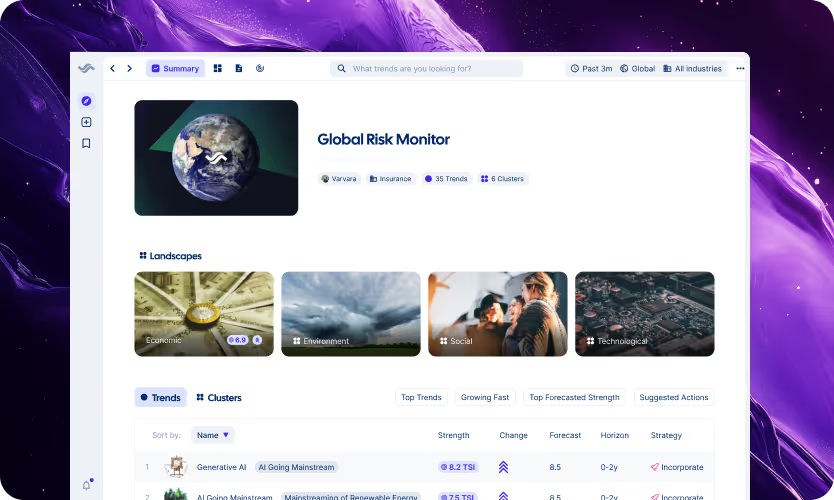
.avif)
Getting started with Trendtracker as a new user
Starting a new platform can feel overwhelming — especially one designed to support high-stakes strategy work. But Trendtracker isn’t just another tool to master. It’s your team’s co-pilot for tracking weak signals, monitoring strategic trends, and aligning faster.
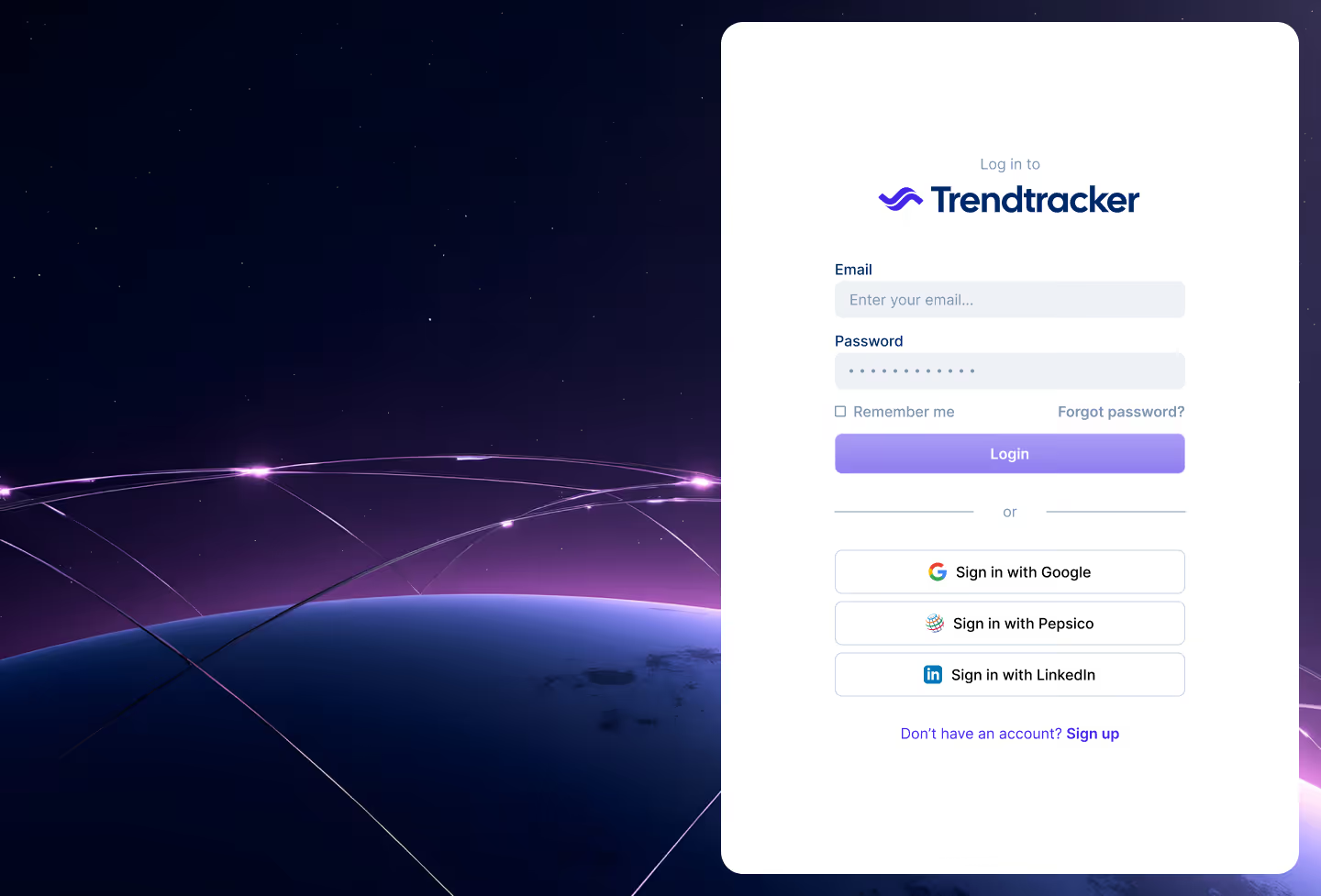
This post walks you through what to expect as a first-time user — from signing up to setting up your profile, and navigating your first trend board.
Whether you’re in strategy, foresight, or innovation, this is your guided on-ramp.
Step 1: create your account (or log in)
If you're new to Trendtracker, head to the sign-up page to create your account. Use your company email address, set a strong password, and confirm your email via the link sent to your inbox.
Already have an account? You can log in via email/password, Google, LinkedIn, or your organization’s SSO (if enabled).
Pro tip: Bookmark the login page for easy access — you'll be returning regularly.
Step 2: set up your profile and preferences
Once logged in, you’ll want to make Trendtracker work for you.
From the “Welcome back” section in the lower-left menu, head to Settings → My Profile. Here, you can:
- Update your name, job title, and profile picture
- Add your phone number (optional)
- Select your main industry to receive more tailored trend recommendations
Next, jump to the Preferences tab to select your interests. These shape what kinds of trends show up across your workspace — from fintech and food systems to AI and agriculture. You can select multiple or update them anytime.
Step 3: explore the platform navigation
Once inside, you’ll land on your Trend Board List — the homepage of Trendtracker.
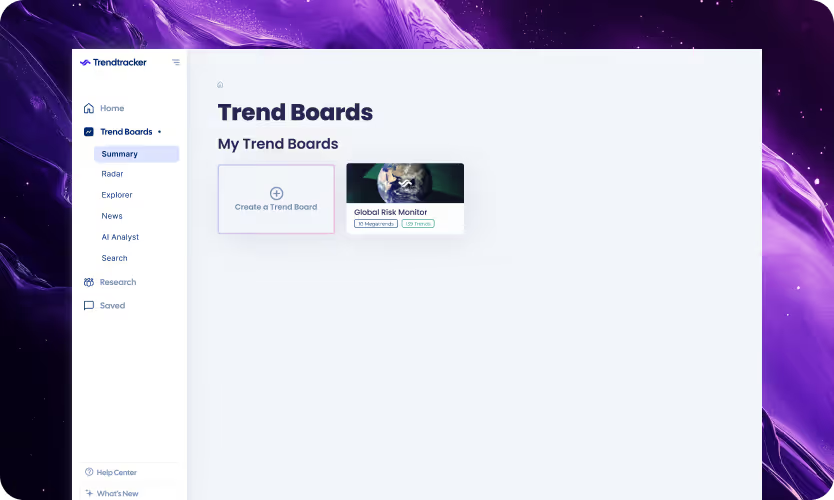
Here, you can:
- Access any trend boards shared with you
- Create your own (if you’re an admin)
- Search for existing boards using the top-right search bar
The left-hand menu helps you explore the full platform:
- Trend Boards: your home for organizing trends
- Search: quickly find specific trends or keywords
- Research: dive deeper into topics of interest
- Help Centre: watch explainers and explore methodology resources
Step 4: understand the core features
Trendtracker is structured around boards, clusters, and trends. But underneath, it's powered by an ecosystem of smart features:
Trend metrics
Every trend includes five key metrics that help you measure strength, maturity, forecast, and momentum. These aren’t generic — they’re tailored to your industry and region.
Trend radar
A powerful visualization tool that shows all your tracked trends at once — grouped by clusters and color-coded by status. Perfect for team meetings or investment discussions.
Trend evolution & development
Each trend includes a timeline and startup references to help you analyze growth and innovation over time.
News & signals
Get curated, real-time news updates linked to your trends so you're never blindsided.
Step 5: customize (if you’re an admin)
Admins have access to more advanced settings under the “Organisation” section:
- Branding: Upload your company logo, change platform terms to match your internal language (e.g., renaming "clusters" to “themes”)
- Users & Teams: Invite new users, set roles, organize people into teams, and manage access
- Email Domains: Allow auto-onboarding for colleagues who sign up using their company email
- Action Frameworks: Customize your trend response strategy — for example, replacing the default ROESI model with your company’s own categories
Step 6: try building a trend board
Even if you’re just exploring, building a sample trend board is the best way to learn. Here’s a quick process:
- Click “Create a Trend Board” from your homepage
- Define your context (industry + region)
- Add trends from the Trend Explorer database
- Group them into clusters based on theme or initiative
- Use the Trend Radar to visualize your setup
You can keep it private or share with others later.
Common questions new users ask
What if I forget my password?
Click “Forgot Password” on the login screen. A reset link will be emailed to you within minutes.
Can I try Trendtracker without setting up everything?
Yes. You can explore shared boards, search for trends, and read up in the Help Centre even if you haven’t created a board yet.
Who can see what I create?
Boards are private by default. You choose who to share them with. Admins in your organization can see all boards for governance and support.
Your Trendtracker journey starts here
Trendtracker is designed to support strategy professionals who want to make smarter, faster decisions — and it works best when you tailor it to your way of thinking.
So don’t worry about perfect setup from day one. Explore. Click around. Build something quick and iterate. Within an hour, you’ll start seeing how trends connect — and how you can move from noise to signals.
Ready to dive in? Book a guided expert demo to explore Trendtracker with your team.